
Implementation & Support · Aelstrom Pte. Ltd., Singapore
Implementation and Support at Aelstrom
Signing up is the easy part. What matters is whether your opening balances are right, whether your bank feeds work, and whether you can get hold of someone when a GST question lands two days before a deadline. This page sets out how onboarding, data migration, training, and ongoing support work at Aelstrom.
The first week
What happens in the first week
Most of the first week is configuration and connection rather than bookkeeping. Nothing goes live until the structure underneath it is agreed.
Onboarding starts with a setup call. We go through your chart of accounts, the bank accounts you need connected, the currencies you work in, and whether you're issuing InvoiceNow e-invoices. From that, we agree what needs to be in place before you start entering live transactions.
Bank feeds are linked, tax codes are set, customer and supplier records are loaded, and your opening balances are entered and checked against your last set of accounts. If you keep inventory or run payroll through a separate service, say so on the call — those sit outside the ledger and we plan around them rather than pretend they don't exist.
- Setup call Chart of accounts, bank accounts, currencies, and whether you issue InvoiceNow e-invoices.
- Connections Bank feeds linked and tax codes set before any live transaction is entered.
- Records loaded Customer and supplier lists imported from your existing records.
- Balances checked Opening balances entered and reconciled against your last set of accounts.
Migration
Migrating data from your current system
You bring the records: chart of accounts, opening balances as at your cutover date, customer and supplier lists, and outstanding invoices and bills. If you're moving from a desktop product or a spreadsheet, we work from an export rather than asking you to re-key history.
The aim is a clean opening position, not a full historical archive. Most businesses don't need every transaction from five years ago in the new system; they need the balances to be right and the open items to be current. Where history matters for a filing — an open GST period, an unpaid invoice that spans the cutover — we'll say so and bring it across.
Before the cutover date we run through what the opening trial balance should show. If a figure disagrees, we trace it back to the source record while both systems are still open, which is far easier than reconciling a gap months later.

Exports in, clean balances out
Training
Training for the people doing the work
Training is practical and short. Whoever enters invoices, reconciles the bank, and runs reports gets walked through those specific tasks in your own setup, not a generic demo environment. That's usually more useful than a long session covering screens they'll never open. If you work with an external accountant, we can include them in the access setup at the same time.
In the session
We cover the parts that trip people up: splitting a bank line, coding a zero-rated export, handling a supplier credit note, and reading the GST summary. Each one is practised on a real transaction from your own books.
Reconciliation gets the most time. A feed that stops matching is the single most common reason a set of books drifts, and knowing how to find the break early keeps month-end short.
After the session
You keep access to the same environment you were trained in, so the next invoice you enter is the real one. Questions that come up in the following weeks go to support like any other.
New staff joining later can be walked through the same tasks; tell us who needs training and we'll schedule it around your filing calendar.
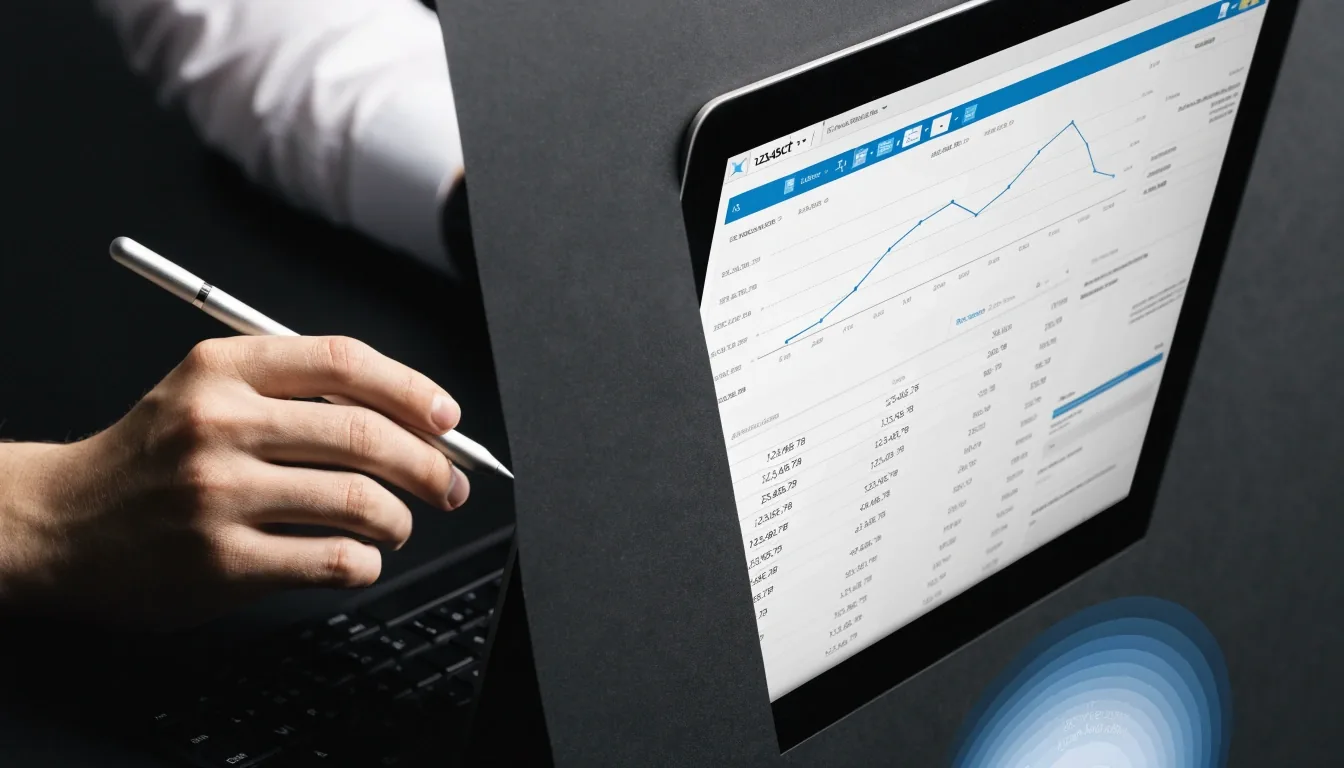
Reconciliation is where most books drift — raise it early
Ongoing support
Support by phone and email
Ongoing support runs during Singapore business hours, Monday to Friday, 9:00 AM to 6:00 PM.
We don't promise instant answers to everything. A question about a specific transaction usually gets resolved in the session; a question about how a treatment should apply to an unusual case may need us to check and come back to you. What we can promise is that you reach a person.
When something goes wrong
Raise it early, not at year end
If a bank feed stops updating, a report looks wrong, or you can't reconcile a difference, raise it with support rather than working around it. Workarounds are how books drift, and a discrepancy that's explained in month one is much easier to fix than one discovered at year end.
With your permission
Support can look at your ledger with your permission to diagnose the issue. We ask first, every time — no silent access, no guessing at what you meant to post.
Corrections explained
Where a correction is needed, we explain what to change and why, so the audit trail reflects the fix properly instead of hiding it in a journal nobody can follow later.
Accountant access
Working with your accountant
Many Singapore SMEs have an external accountant or tax agent. Aelstrom supports that arrangement: you can give your accountant access to review the ledger and reports, so year-end and GST filing work from the same numbers instead of a copy pasted into a spreadsheet.
If your accountant prefers to work a particular way, tell us during onboarding. It's easier to set access and reporting up front than to retrofit it in the middle of a filing period, when nobody has time to spare.
Before your first filing
- Confirm who needs access — owner, bookkeeper, external accountant.
- Agree which reports your accountant reads at period end.
- Check the GST summary against the filing period you're closing.
Common questions
Answers before you commit
How long does implementation take?
It depends on the size of your books and how much history you're bringing across. Setup and connection work usually happens within the first week, and migration of opening balances follows once your data is ready.
Do I need to run my old system in parallel?
Not for months at a time. The cutover is planned around a specific date, and the opening position is checked against your last set of accounts at that point.
Can my accountant get access?
Yes. You can give your accountant access to review the ledger and reports, and we can include them in the setup if you tell us during onboarding.
How do I reach support?
By business phone or email during Singapore business hours. Call +65 6823 8741 or email [email protected] — the same details are on the contact page.
What if I'm not sure Aelstrom fits?
Raise it during the consultation. If your requirements include payroll, secretarial work, or complex inventory, we'll tell you rather than sell around it.
Getting in touch
Where to send what
Support is reached by business phone or email during Singapore business hours, and the contact details sit on the Contact page. For new enquiries, use the consultation form and we'll respond with next steps.
If your question is about pricing or which plan fits, that's a consultation rather than a support call, and the Pricing page is the place to start.
Aelstrom Pte. Ltd.
- Phone
- +65 6823 8741
- [email protected]
- Hours
- Monday to Friday, 9:00 AM – 6:00 PM
- Office
- 1 Raffles Place, #20-61 One Raffles Place, Singapore 048616
Aelstrom provides cloud accounting software for Singapore businesses, with onboarding, migration, training and ongoing support handled by the same team. Send your first enquiry through the consultation form on the Contact page and we'll reply with next steps.